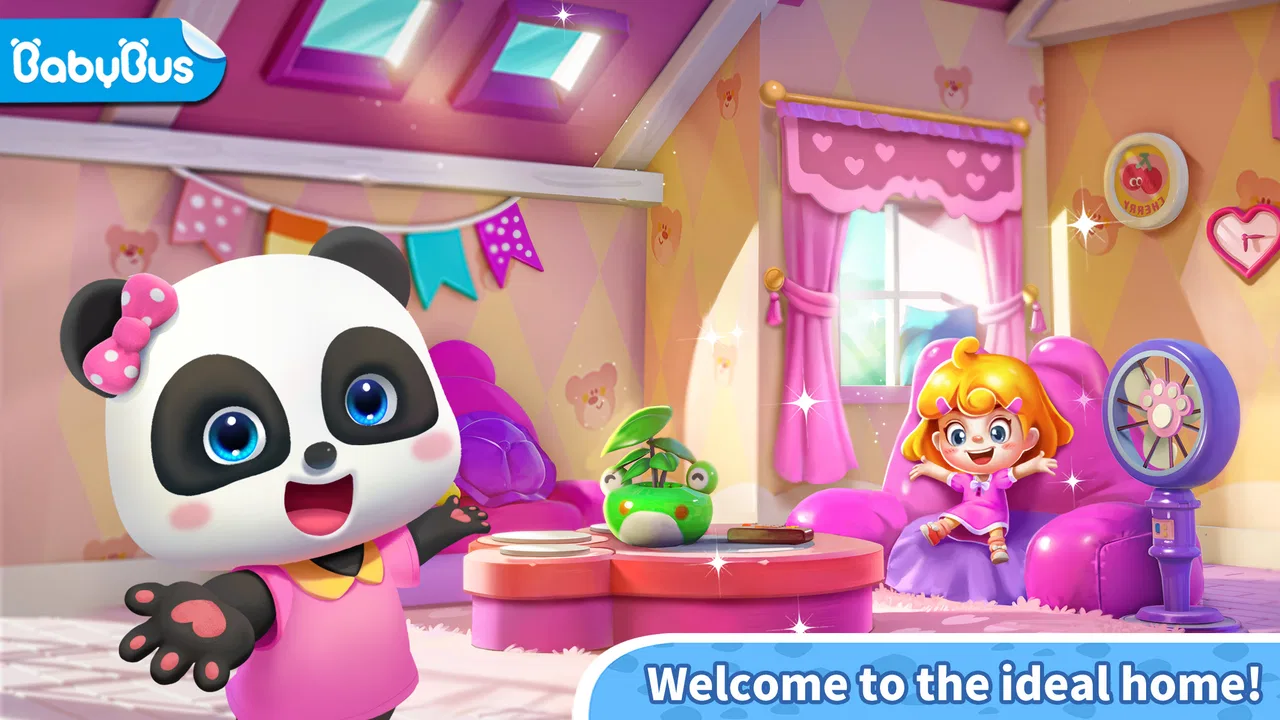
Baby Panda's Town: Home
- 4.3
- Rating
- 50.00M
- Installs
- Free
- Price

 Analysis by App-foxy
When one phone or tablet serves the whole household, a child’s game needs to fit around more than playtime: it also has to work with shared-device habits, adult supervision, and clear boundaries. I found Baby Panda's Town: Home easiest to enjoy when a grown-up helps a young player get started, then lets them explore at their own pace. It is a gentle educational game built around familiar home life, not a test of speed or skill.
A small shared-device routine that works
For a family using one device, I would make the game part of a short, predictable routine rather than leave it open-ended. A caregiver can offer a simple prompt, such as asking the child to show a familiar activity, then invite them to explain what they noticed before handing the device back. This gives the child room to lead while making the session feel connected to family life.
That approach is useful when a sibling is waiting for a turn, too. Instead of treating the game as a way to occupy one child indefinitely, I would use it as a brief shared activity: one child explores, the other watches and suggests what to try, and an adult helps them take turns. It does not require a competitive score to create a reason to talk.
You May Also Like

 Blood Strike: 2.5 Anniversary
Blood Strike’s Loadouts Turn Every Drop Into a Tactical Gamble
A close look at Blood Strike’s custom loadouts: how fast access to signature weapons reshapes its battle royale rhythm, rewards preparation, and narrows the gap between fights.

 Pandora - Music & Podcasts
Pandora’s Music Is Easy to Start, but Harder to Recover
Pandora’s strength is its low-effort path from a seed to a station. Its weak spot is how much confidence it asks you to place in connection, setup, and quiet recovery.

 8 Ball Pool
 Is Built on Rivalries, Rematches, and Routine
A close look at the rivalries, rematches, shared routines, and unanswered safety questions that turn a quick pool match into a persistent mobile community.

 Samsung Music
’s Quiet Strength Is Playing What You Already Own
Its reach comes less from spectacle than from dependable access to a personal library. That simplicity is both the app’s strongest retention engine and its ceiling.

 AccuWeather: Weather Radar
AccuWeather Review: A Quick, Clear Forecast for Everyday Decisions
For everyday plans, the best forecast is the one you can understand quickly. AccuWeather makes rain timing, radar, and local conditions easy to act on, with a few trade-offs.

 Hill Climb Racing
Why Hill Climb Racing Still Turns Crashes Into One More Run
A tiny car, a bumpy hill and one more upgrade: Hill Climb Racing keeps resurfacing because its simple chaos makes every near-miss feel personal.
More From Our News Desk



BabyBus has built the game for a very young audience, with an Everyone age rating and support for devices running Android 6.0 or later. It is free to start, although optional in-app purchases range from $1.99 to $41.99 per item. I would therefore treat it as a game to explore together with a child rather than something to hand over without any supervision, especially when the device is connected to a payment account.
Set boundaries before handing over the screen
On a shared phone or tablet, the adult’s account and the child’s play are not automatically the same thing. I would check the device’s purchase safeguards before a child plays alone, and make sure the child knows which device they are using and when the session ends. Those steps are practical household habits, not a claim that the game provides family profiles or built-in time limits.
It also helps to agree on what happens when another person needs the device. A child who expects a quick turn is less likely to feel that stopping is arbitrary. I would keep the game’s open-ended style in mind here: because play is not built around a demanding finish line, an adult may need to supply the stopping cue rather than wait for a natural end point.
I spent time with Baby Panda's Town: Home as a child-friendly educational game, and my first impression was that it is less about winning than about making ordinary home life feel playful. That difference matters. Children who enjoy exploring familiar rooms, trying simple activities, and repeating cheerful interactions may find it immediately inviting, while players looking for a demanding puzzle game will probably find the experience too gentle.
How the home setting creates early goals
The strongest part of the opening is its familiar setting. A town home gives children an easy mental map: instead of learning a complicated fantasy world, they can connect play with activities they already recognize from daily life. That makes the first minutes accessible even for a child who is still developing reading skills or learning how touch controls work.
My advice is to begin by letting the child lead. Rather than explaining every possible action, I would ask what they notice and what they want to try. This turns the game into a small discovery exercise. The early goal is not simply to reach a target; it is to understand that different objects and spaces invite different kinds of interaction.
That approach also reveals an important design choice. The game relies on curiosity more than pressure. A child can move from one activity to another without needing the kind of precise timing or complex planning found in traditional arcade games. For preschoolers and early learners, this reduces frustration and leaves room for conversation: “What happens here?” or “What would you do next?” becomes part of the experience.
In my view, the home theme works best when an adult uses it as a prompt for real-world learning. A parent can connect an in-game activity with tidying, preparing food, caring for family members, or recognizing household objects. The game itself does not replace hands-on learning, but it can provide a comfortable starting point for those conversations.
What progress feels like for a young player
Progress in this kind of game is communicated through discovery and visible change rather than through a demanding score chase. A child notices that there are more things to inspect, more interactions to repeat, or more parts of the home to understand. Those signals can be enough to sustain attention for short sessions, particularly when the child enjoys replaying a favorite action.
I would not judge the game by the standards of a level-based adventure. Its appeal comes from small moments of agency: choosing where to go, deciding what to touch, and seeing a response. That is a modest form of progression, but it suits the intended audience. A very young player may feel successful simply by remembering how to return to an enjoyable activity.
One useful routine is to give the child a small mission before starting. Ask them to explore one room, find a particular kind of object, or show you an activity they remember from the previous session. This adds structure without turning the game into a test. It also makes the child’s memory and communication part of the play, which is more valuable than passive tapping.
The limitation is that older children may quickly want clearer goals. If a child expects new challenges, strategic choices, or a strong sense of achievement after each session, the relaxed structure may feel thin. I see this as a deliberate trade-off: BabyBus favors accessibility and imaginative repetition over a deep progression system.
A gentle difficulty curve, with a clear ceiling
The difficulty curve is deliberately soft. I did not approach it as a game that teaches through failure; instead, it encourages experimentation by making the cost of a wrong choice low. That is appropriate for children who may still be building confidence with touchscreens. They can try again without feeling that they have ruined a run or disappointed the game.
This gentle design is especially useful when the child is tired, new to mobile games, or sharing a device with an older sibling. There is little need for fast reactions, complex instructions, or long explanations from an adult. The child can learn the basic rhythm by watching what changes after an interaction.
At the same time, the lack of meaningful difficulty can become a weakness. Children who enjoy solving problems may outgrow the challenge before they lose interest in the setting. I would choose a more structured educational game for a child who needs practice with specific academic skills, such as arithmetic, spelling, or progressively harder logic exercises. This title is better suited to open-ended exploration than measurable mastery.
Parents should also remember that repetition is not automatically a flaw for this age group. A grown-up may see the same activity repeated and assume the game has stopped offering value. A child may be practicing control, sequencing, vocabulary, or social storytelling each time. The benefit depends on how the child plays and whether an adult occasionally turns those repetitions into questions or imaginative scenarios.
What keeps attention, and where the pressure appears
The game’s retention comes mainly from familiarity and the possibility of finding another small interaction. That is a healthier fit for short, flexible play than a system that demands long sessions. I can imagine using it during a quiet period at home, while waiting for an appointment, or as a brief transition before another activity.
A realistic example would be a parent preparing dinner while a child spends a few minutes exploring the home setting nearby. Before starting, the parent could suggest one simple task, then ask the child to describe what happened afterward. This keeps the session contained and adds a social layer. I would still keep the device within sight, because “child-friendly” does not mean every child will use a screen in the same way.
The main retention pressure comes from wanting to see what else can be explored, not from a difficult challenge curve. That makes the game approachable, but it can also lead to aimless wandering. If a child taps quickly without observing, the educational value may be limited. I found that slowing down and encouraging narration improved the experience more than simply extending playtime.
Optional purchases are another point parents should consider. The game is free, which makes it easy to try, but the presence of paid items means I would check the device’s purchase controls before allowing independent play. This is not a criticism of the home theme or the educational category; it is simply practical advice for families sharing a phone or tablet.
I also would not describe the game as a substitute for a structured learning app. Many educational alternatives organize lessons around clear outcomes and track performance more directly. Baby Panda’s Town: Home is more comfortable as an exploratory companion. It can support language and everyday understanding through conversation, but it is not the choice I would make when I want a child to complete a carefully sequenced lesson.
How it fits beside other children’s games
Compared with a worksheet-style learning app, this game asks less of a child academically and gives an adult fewer obvious measures of progress. Its advantage is that familiar home situations can make it easier to start a conversation or invite pretend play. Compared with a broad sandbox game, it is more approachable for a young child who needs a gentler starting point, though it offers less reason to expect deep systems or long-term mastery.
That distinction can help with choosing the right tool. If the goal is a calm, shared moment around everyday ideas, I would try this before a lesson-heavy app. If the child needs practice in a particular subject, I would pick a focused learning game instead and use this one only as a break. And if the child already enjoys building elaborate stories or tackling harder puzzles, a more open-ended or challenging game may hold their attention better.
Who will enjoy it most
I recommend it most for younger children who like pretend play, familiar household situations, and gentle discovery. It is a good fit for a child who becomes discouraged by failure screens or complicated menus. The Everyone rating also makes its intended audience clear, although parents should still decide whether the content and screen time suit their particular child.
It can work well for shared play between a caregiver and child. An adult can turn each visit into a vocabulary exercise, a storytelling prompt, or a conversation about routines at home. A child can also use it independently for a short period if the family has already discussed device rules and purchase restrictions.
I would skip it for children who demand constant novelty, competitive goals, or increasingly difficult puzzles. I would also look elsewhere if the main purpose is formal learning assessment. In those situations, an app with explicit lessons, progress tracking, and a more visible challenge ladder would probably offer better value.
Practical details before installing
The game comes from BabyBus and is currently listed as version 8.73.39.00. It has passed the scale test of a widely used children’s title, with over 50 million installs and an average rating of 4.2 from around 22 thousand ratings. Those figures suggest broad appeal, but they do not guarantee that every child will enjoy the relaxed pace.
Its listed release date is October 26, 2022, and the Android requirement is 6.0 or newer. I would check the available storage and the device’s general performance before installing, especially on an older phone used by several family members. I would also open the game once with the child present, adjust the household’s purchase safeguards, and decide in advance how long a session should last.
Because the game is free to download, trying it is relatively straightforward. The more important decision is whether its style matches the child. A free title can still be a poor fit if the child wants academic exercises or a stronger sense of challenge, while a simple exploratory game can be exactly right for a child who needs calm, familiar play.
My progression verdict
After looking at its goals, progress signals, difficulty, and retention style, I see Baby Panda’s Town: Home as a gentle educational play space rather than a conventional game with a demanding progression ladder. Its early goals are easy to understand, its feedback is approachable, and its low-pressure rhythm supports short sessions. Those qualities are meaningful for young players who are still learning how to interact with mobile games.
The trade-off is that the same softness limits long-term challenge. There is no reason to choose it over a focused learning app when you need measurable practice, and older children may want more substantial objectives. The best results come when a parent adds the structure: set a small mission, ask the child to explain what they discovered, and connect the virtual activity with something in everyday life.
My final recommendation is positive but specific. I would suggest it to families seeking a free, approachable home-themed game for young children, especially when shared conversation matters more than scores or competition. I would not present it as a complete educational program or assume that its gentle exploration will hold every child’s attention. Used in short sessions and with sensible purchase controls, it offers a pleasant way for children to explore familiar ideas through play.
FAQs for Baby Panda's Town: Home
01What is Baby Panda's Town: Home and what can I do in the game?
Baby Panda's Town: Home is an interactive simulation game that allows children to explore and engage in various activities within a vibrant, cartoonish town setting. Players can decorate homes, participate in community events, and interact with a wide range of characters. It's designed to be educational and entertaining, helping kids learn about daily routines and social interactions.
02Is Baby Panda's Town: Home safe for children to play?
Yes, Baby Panda's Town: Home is designed with child safety in mind. The game features age-appropriate content, no third-party ads, and easy-to-use controls. It encourages creative play and learning, making it a safe and educational choice for young children. Parental controls are also available to manage the in-app experience.
03Does Baby Panda's Town: Home require an internet connection to play?
While Baby Panda's Town: Home can be enjoyed offline, some features may require an internet connection. For example, downloading updates or accessing certain online events. However, the core gameplay and many of the activities can be accessed without an internet connection, making it convenient for travel or play on the go.
04Are there in-app purchases in Baby Panda's Town: Home?
Yes, Baby Panda's Town: Home includes in-app purchases that allow players to unlock additional content or customization options. These purchases are optional and not required to enjoy the full experience of the game. Parents can adjust settings to restrict or manage in-app purchases to ensure a controlled and safe environment for children.
05What age group is Baby Panda's Town: Home suitable for?
Baby Panda's Town: Home is primarily designed for children aged 3 to 8 years old. The game features engaging activities and educational content tailored to this age group, promoting creativity, problem-solving, and social skills. The intuitive interface and colorful graphics are specifically created to captivate and entertain young players.
Pros
- Engaging and colorful graphics.
- Easy-to-navigate interface for kids.
- Educational mini-games included.
- Promotes creativity and exploration.
- No in-app purchases required.
Cons
- Limited content after initial play.
- Requires internet for some features.
- Some animations may lag.
- Ads can be distracting.
- Sound effects can be repetitive.

Baby Panda's Town: Home
Gallery